How to lose your wanted level in GTA 6
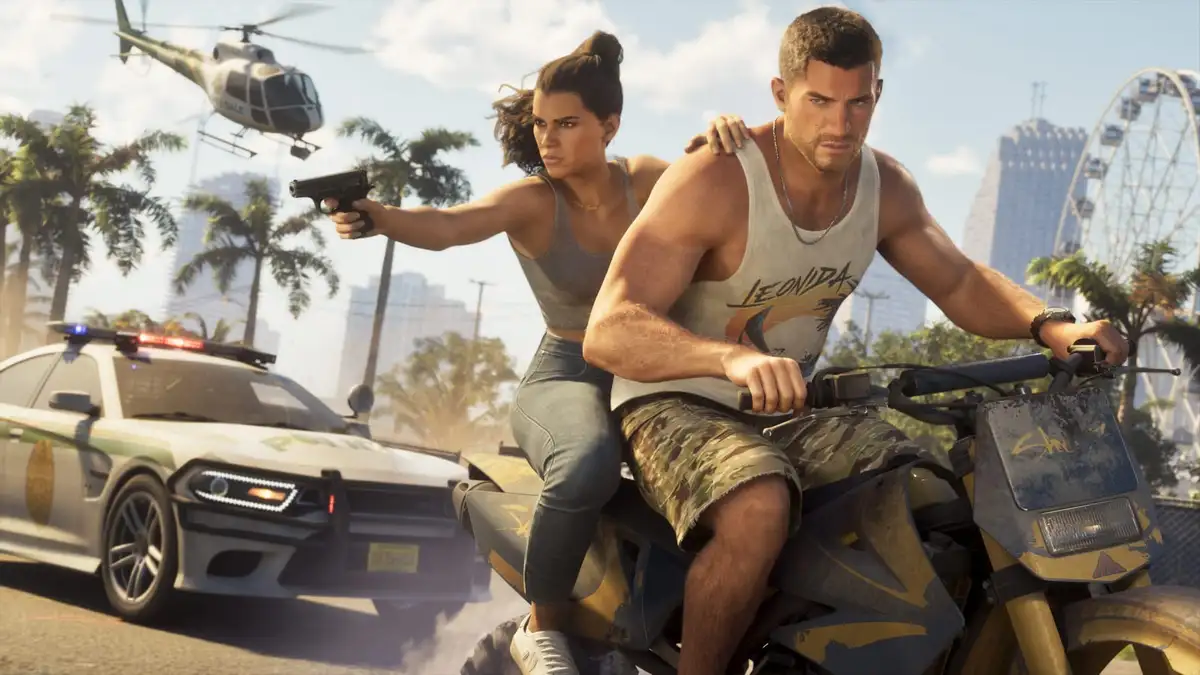 © Rockstar Games
Break the police's line of sight first, then get out of the search area and remove what they still know about you. The icons under your stars show what to change: your car, your outfit, your weapon or the fact that you are a pair.
- Step 1
- Break line of sight
- Step 2
- Leave the search area
- Step 3
- Clear the icons
- Avoid
- Killing officers
Police in GTA 6 do not just chase you. They also remember what they saw. Escaping means breaking the chase and then changing the details they know. The outlets below agree on the order.
Step 1: break line of sight
Take side streets, alleys or underpasses and put buildings between you and the police cars. Open roads let officers keep tracking your vehicle. The Click adds that you can park an unidentified vehicle out of sight and hold Circle on PlayStation or B on Xbox to duck below the windows. Against a helicopter, HappyGamer says tunnels help.
Do not change anything while an officer can still see you. Gamerfuzion, citing KeenGamer, warns that swapping cars or clothes in front of a cop does not help.
Step 2: leave the search area
The flashing area on the minimap is where the police are looking. Get out of it and stay hidden. Stars that flash mean officers lost you but still search. Red stars mean you got away from the immediate chase, but attention stays in the area. They are not a clean slate.
Step 3: clear what the police know
Small icons under the stars show what the police can identify. The Click lists seven: your face, your outfit, your vehicle, a visible weapon, your partner, local cameras and cloud camera footage. Change only what is flagged:
- Vehicle: swap or ditch the car. A respray can also change how it looks.
- Outfit or face: change clothes, or put on or take off a hat or mask. Appearance and outfit are separate icons, so a mask alone does not fix the outfit.
- Weapon: put it away.
- Partner: once you can switch characters, hold right on the D-pad and choose Split Up. The Click says this clears the partner icon. See how to switch characters.
- Cameras: leave the area. The Click says a local recording can be destroyed on the spot, but cloud footage cannot be removed.
Do not escalate
Several guides, including HappyGamer, say that shooting or killing officers brings a bigger response. Getting away quietly is faster.
High star levels
Six stars is the highest level. Gamerfuzion cites KeenGamer for the advice not to outrun every cruiser on a highway at the top level, because the search area can cover much of the map. Use narrow routes, abandon a surrounded car out of sight and slip away on foot.
Before you go back
The red heat area stays in place for a while. If you must return, arrive in a different car and clothes. Gamerfuzion, citing Dexerto, says police who recognise you inside the area restart the pursuit.
A last tip
Keep a spare outfit in the trunk of your personal vehicle before a robbery. See how to keep a stolen car to get one.
FAQ
Do I need to outrun every police car?
No. Gamerfuzion and The Click both describe the system as breaking sight and clearing recognition. At high levels the search area can cover a large part of the map.
Do the stars vanish once I escape?
Not always. Flashing stars mean officers lost you but still search. A red heat area can remain after the chase, and if police recognise you inside it the pursuit can restart.
Does a Pay 'n' Spray clear my stars?
The guides disagree. HappyGamer says some report it clears the level outright, others that it only changes what the police know about your car. Use it as one tool, out of sight.
My stars never clear. Is that a bug?
It was. The Click and Gamerfuzion both say the update of 23 November 2026 fixes a bug that stopped players from losing their wanted level. Update your game first.